


Metro Mobility M1 Portal 4-Wheel Heavy Duty Scooter for Senior
- Color:
- Chrome
Pairs well with
Fast Shipping: Ships in 1–2 days from our U.S. warehouse
Warranty: Battery 6 mo / Controller & Motor 1 yr / Frame 5 yr
Free shipping on all orders
Need help? Call us at 888-616-3876.
Metro Mobility M1 Portal 4-Wheel Heavy Duty Scooter for Senior
If you have any questions, you are always welcome to contact us. We'll get back to you as soon as possible, within 24 hours on weekdays.
-
Shipping Information
Use this text to answer questions in as much detail as possible for your customers.
-
Customer Support
Our team is here 24/7 to help with product questions, orders, returns, and support—fast, friendly, and hassle-free.
-
Find quick answers to common questions about our mobility scooters — from features and battery use to shipping, warranty, and after-sales support.
-
Reach out to us for assistance with orders, product details, or technical support—our team is here to help.
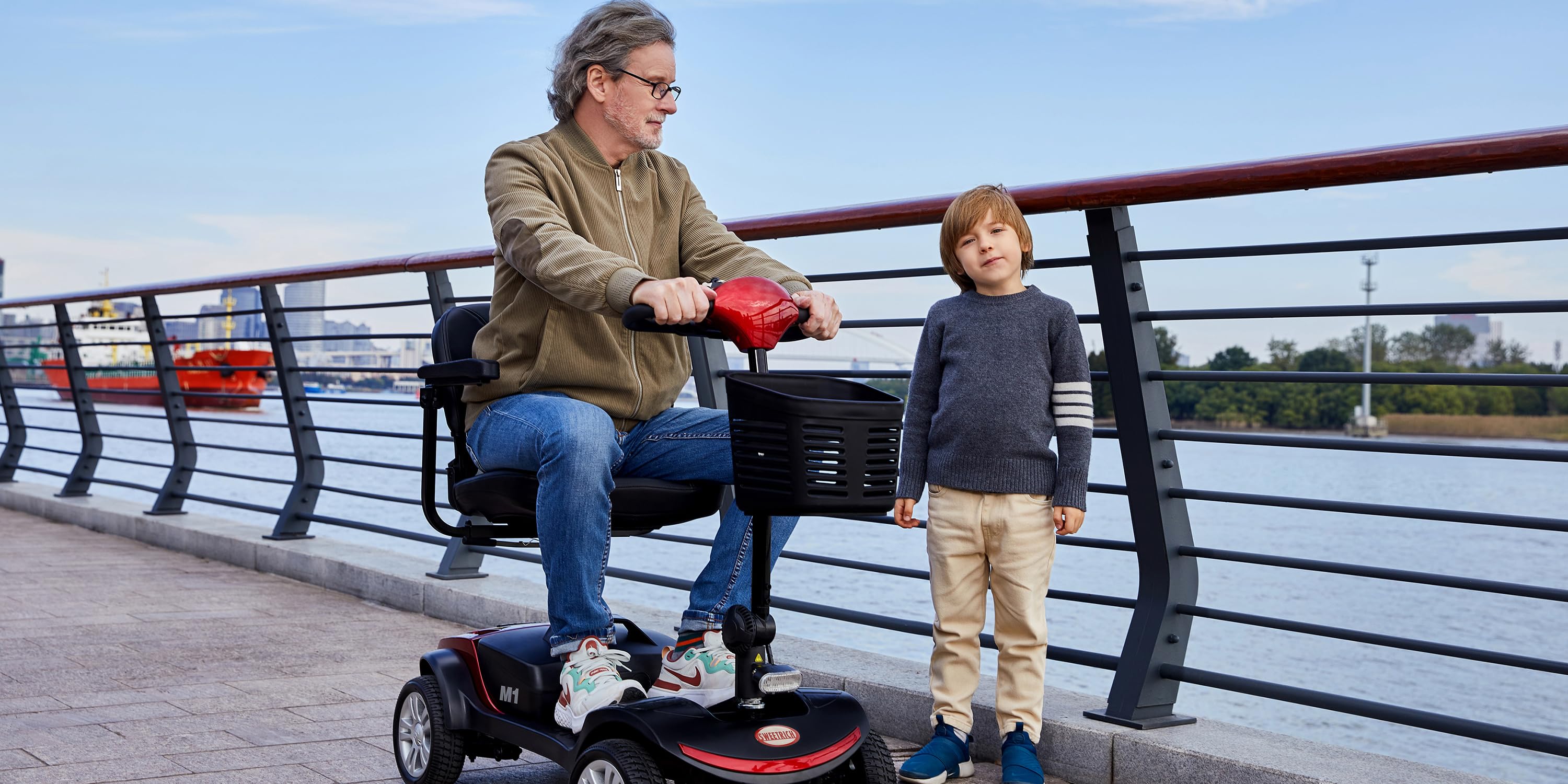



Built for Any Place You Go
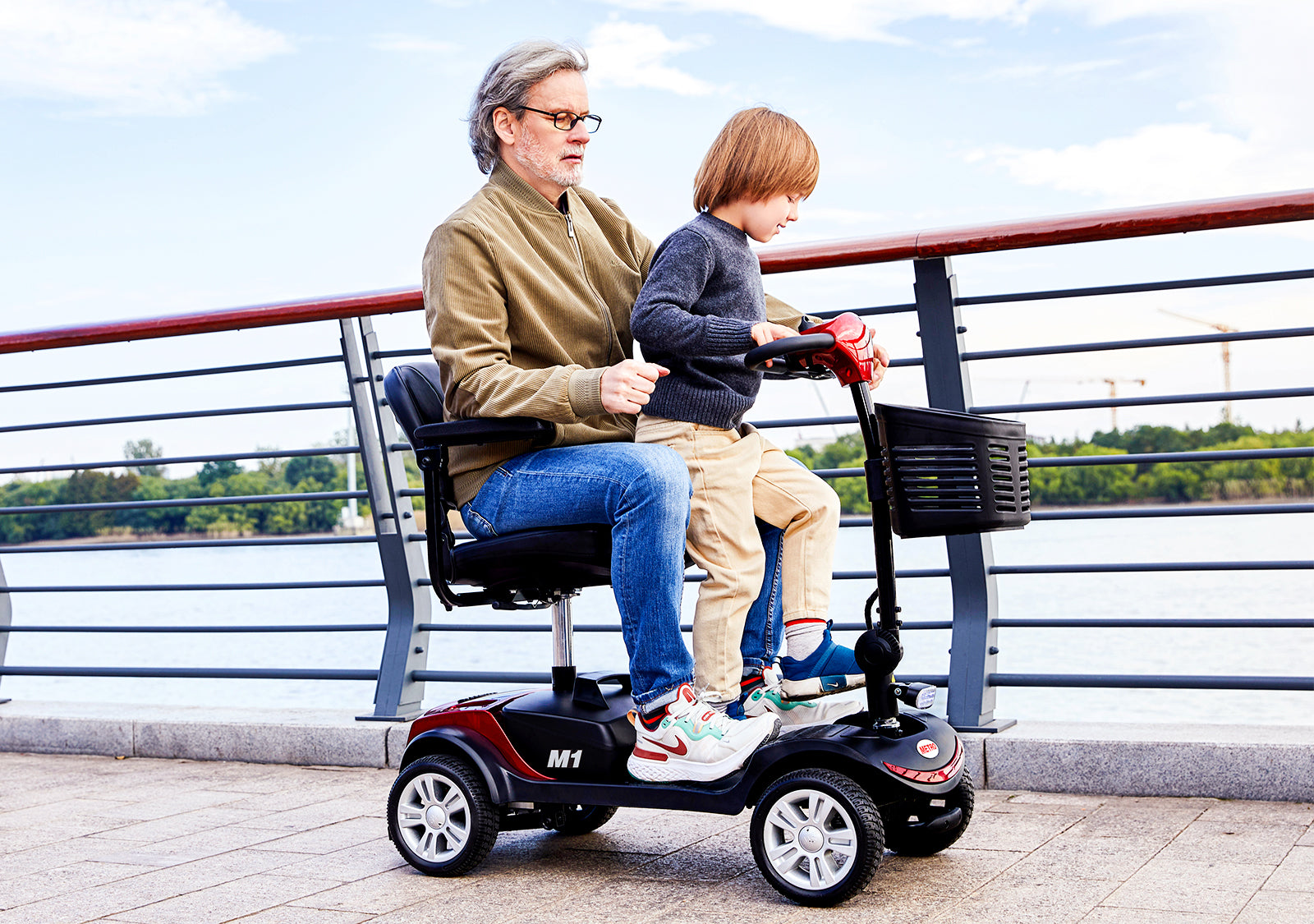
Social Mobility Solution
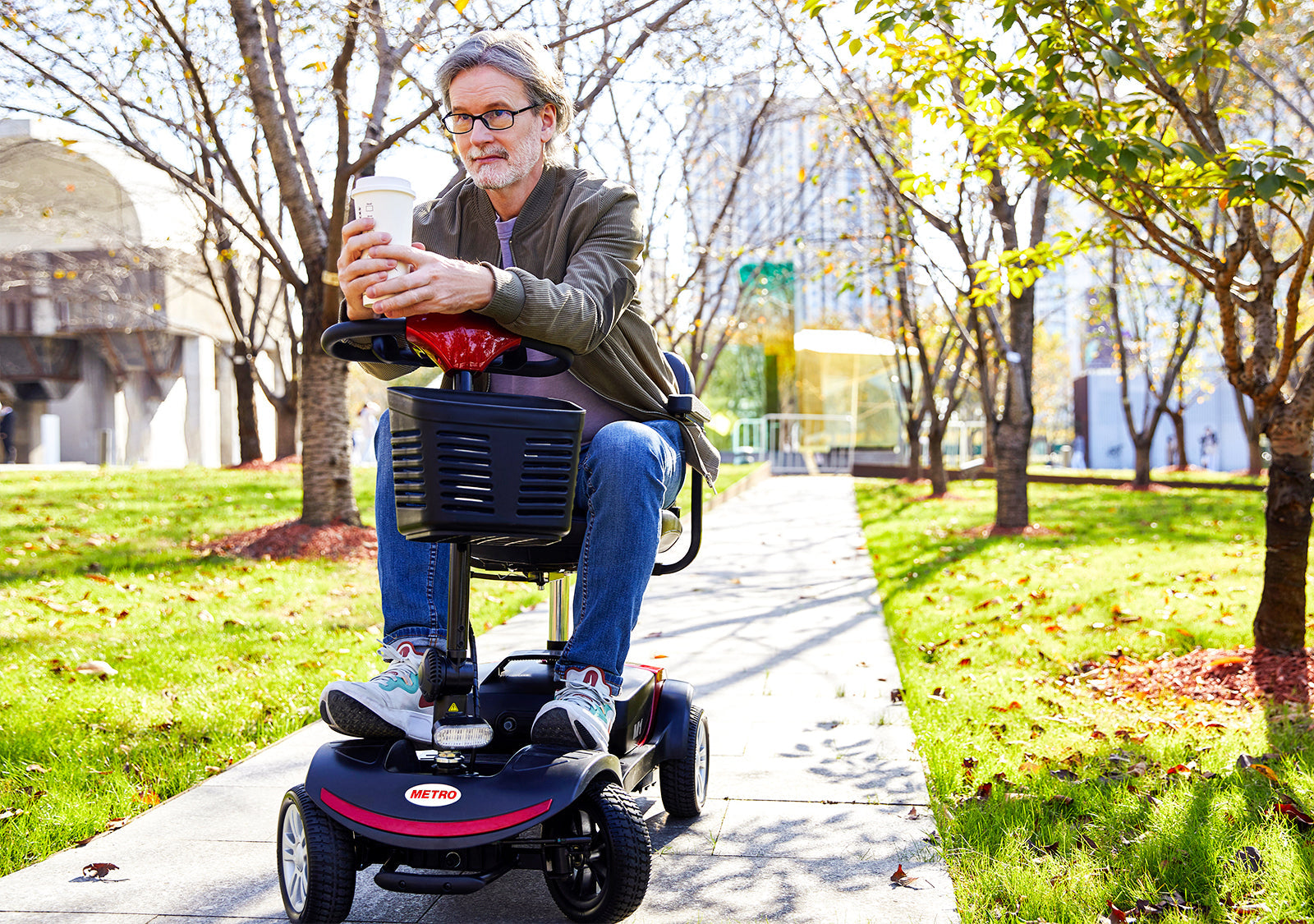
This lightweight travel scooter promotes social independence by enabling you to participate in various social activities, leading to a healthier lifestyle.
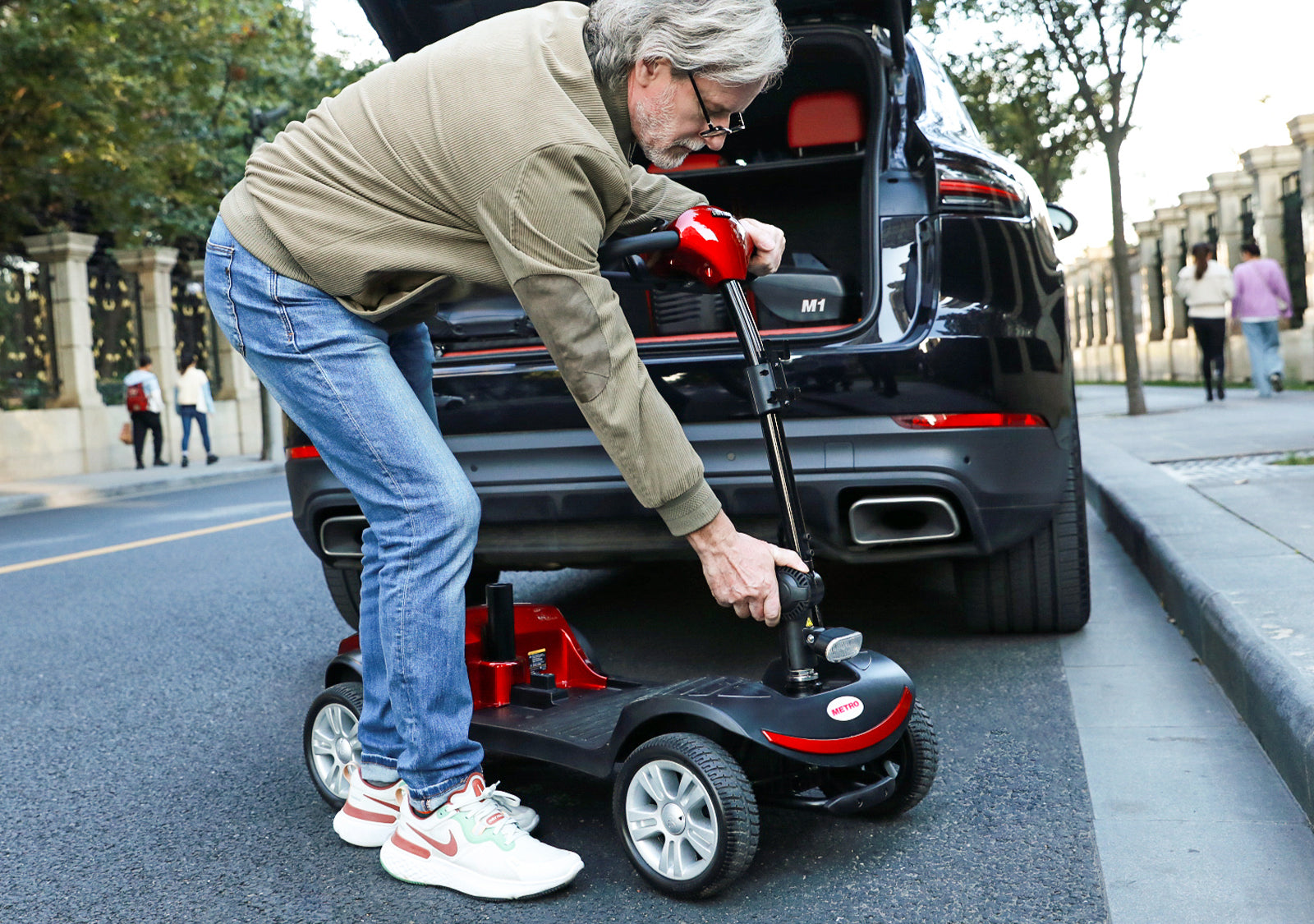
Portable Scooter Solution
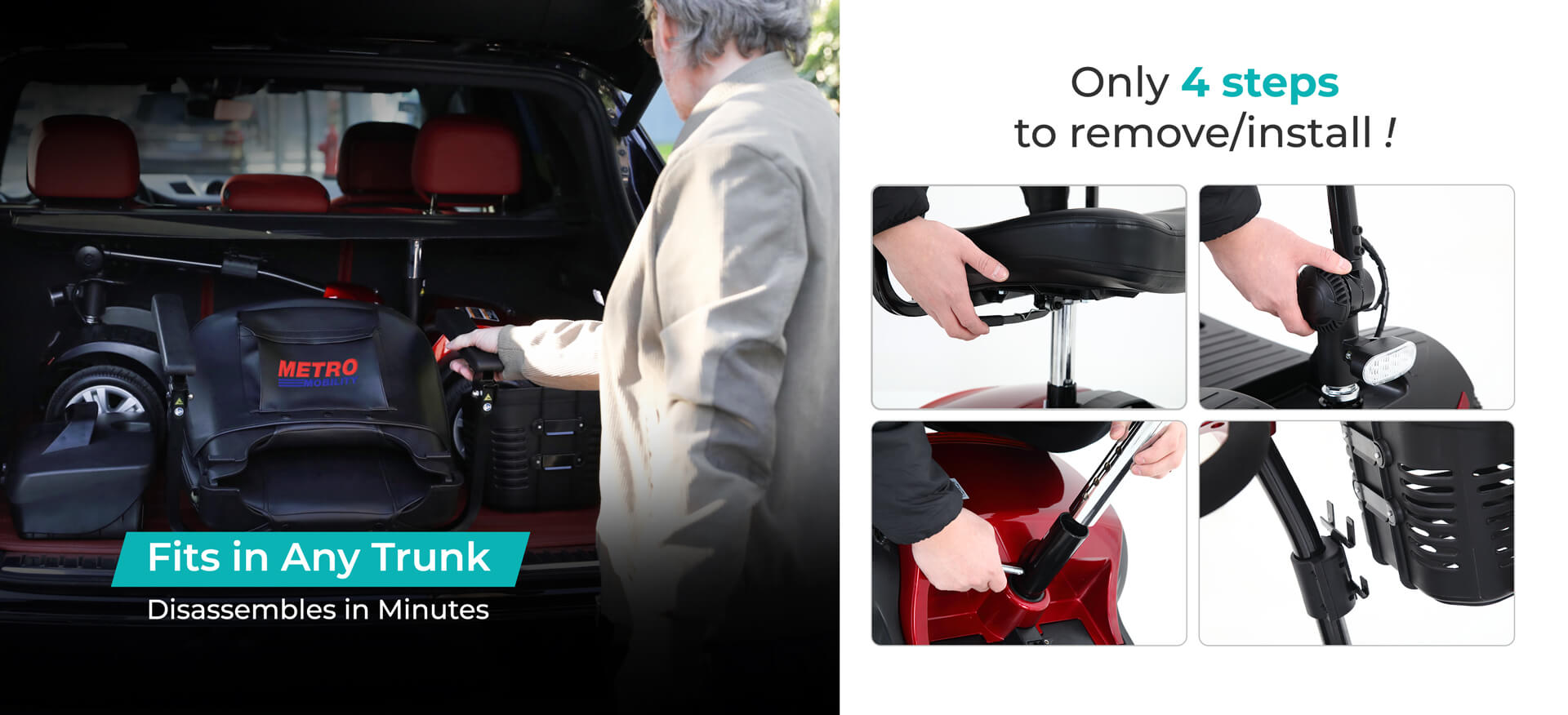
This scooter is designed to be easily disassembled into several pieces, with the heaviest piece being only 60 lbs (the scooter base). It can easily be stored in the trunk of the car, making transportation a breeze.
Safety Scooter Solution
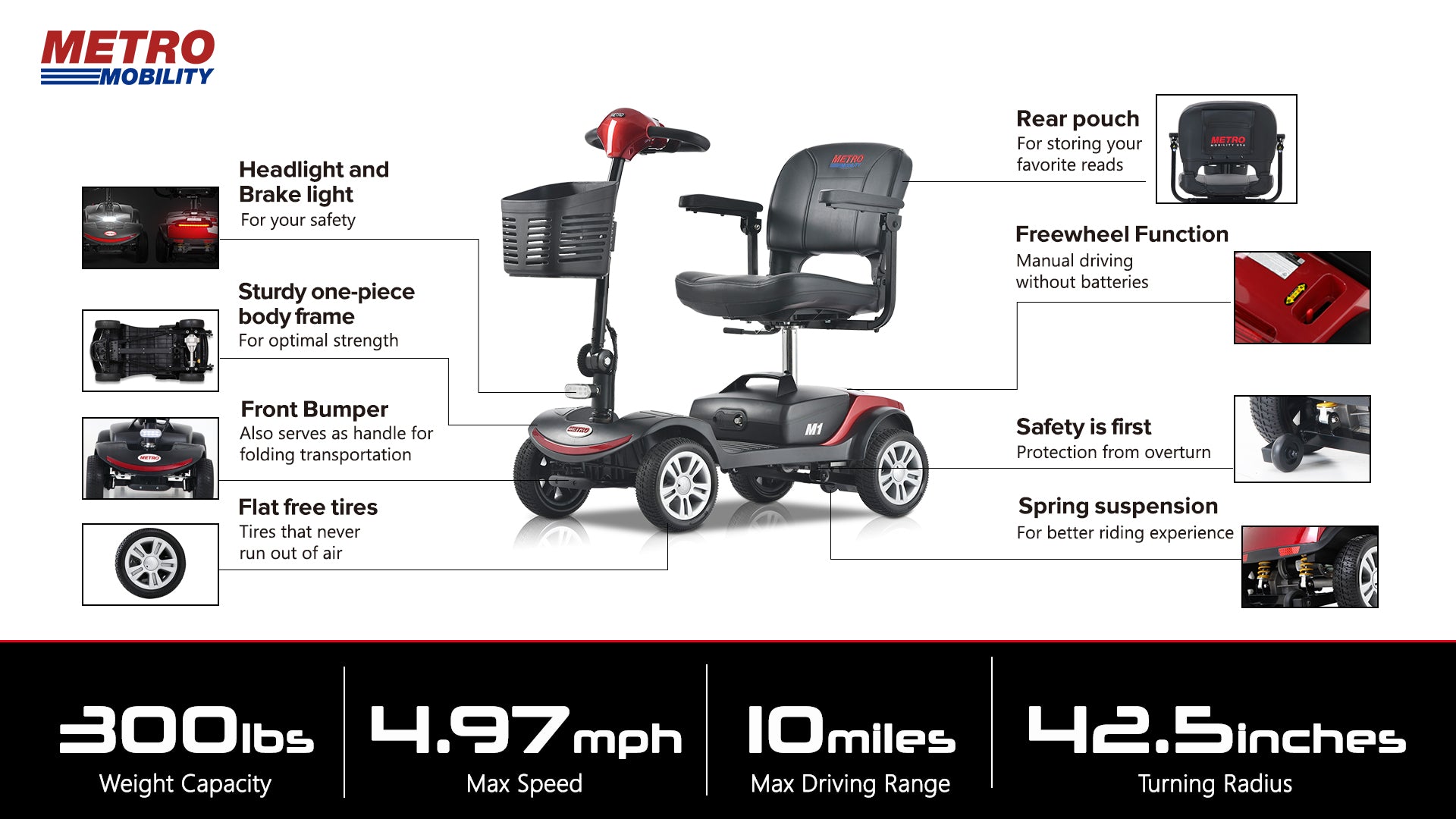
This scooter prioritizes safety with anti-tip wheels, 9-inch airless tires, and a 300 lbs weight capacity for secure transportation.
Tech Specs
Performance
- Forward/reverse throttle, speed control, auto-braking
- Horn, LED headlight, freewheel mode
- Max Speed: 4.97mph (8km/h)
- Climbing Ability: 8° (300lbs load)
- Turning Radius: 1080mm
- Range Per Charge: 10-16 miles (15-25km)
Design
- Non-medical, single-person scooter
- Foldable adjustable tiller, height/width-adjustable seat/armrests
- Removable basket, solid tires, anti-tip devices
- Dimensions: 1040×510×950mm
- Ground Clearance: 45mm | Weight: 101.4lbs (46kg)
- Water Resistance: IPX4
Battery
- 24VDC (2×12V 12Ah GEL, maintenance-free)
- 2A off-board charger | 8-10hr charge time
- LED indicators (red/orange/green) + safety fuses/reset button
Electronics & Safety
- Programmable DR50-A01 controller, diagnostic beeps
- Battery gauge, 15min auto-sleep mode
- Multiple safety fuses + freewheel sensor
Capacity, Use & Support
- Max User Weight: 300lbs (136kg)
- For users with walking difficulties; ideal for footpaths/shops
- Warranty: 1-year (drivetrain/electronics), 6-month (batteries, excludes wear items)
- Support: 888-616-3876 | support@metromobilityusa.com
Built-In Components List

Seat
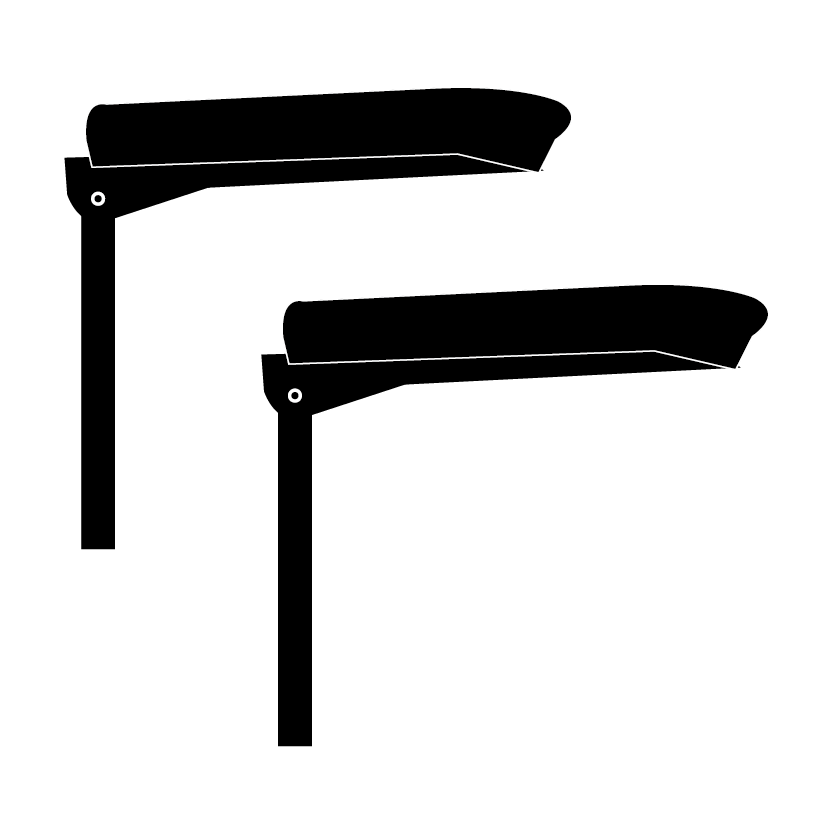
Armrests

Basket

Battery Box
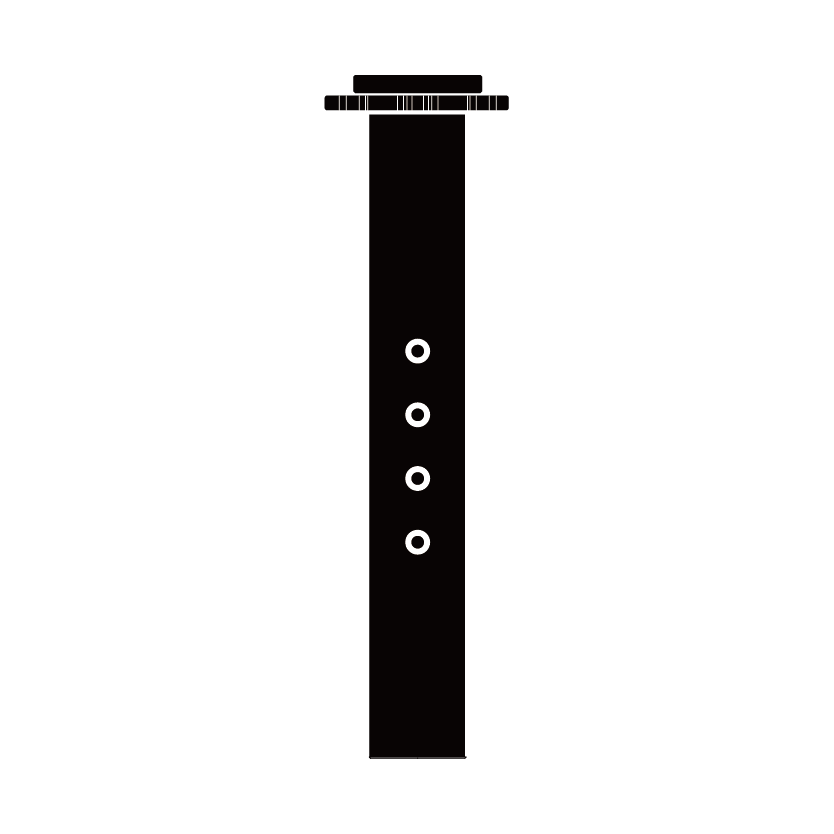
Seat Post

Detent Pin (for Seat Post)

External Charger

Armrest Adjustment Knobs
Keys


FAQs
Please read our FAQs page to find out more.
How long to fully charge the Metro Mobility M1 battery?
Use the original 2A off-board charger. First use: Charge 8-10 hours. Regular charging: 8-10 hours (charger red = power on/disconnected, orange = charging, green = full). Never charge outdoors or in damp areas—indoor, well-ventilated spaces only.
What’s the max weight capacity of the Metro Mobility M1?
Max user weight is 136kg (300lbs), tested with a 136kg dummy. Exceeding this harms performance and voids warranty.
Can I adjust the seat and armrests on the Metro Mobility M1?
Yes. Seat removal: Lift armrests, fold backrest, pull seat lever, lift vertically. Seat height: Remove seat, adjust seat post position, reinsert detent pin. Armrests: Loosen screws, adjust spacing, retighten.
How to disassemble the Metro Mobility M1 for transport?
Steps: 1. Turn off the scooter. 2. Remove the basket. 3. Take off the seat. 4. Pull out detent pin, remove seat post. 5. Lower tiller to lowest setting with folding knob. 6. Lift via handles into vehicle. Reverse to reassemble.
What’s the driving range of the Metro Mobility M1?
Estimated 15-25km (10-16 miles) per charge. Range drops if: user >136kg, terrain is hilly/muddy/snowy, temps are extreme, tires are damaged, or frequent starts/stops. Reduce speed to extend range when battery is low.
Can the Metro Mobility M1 climb slopes?
Yes—it safely climbs up to 8° with 136kg max weight. Never climb slopes over 8°, avoid traversing steep slopes, and slow down when reversing downhill.
How to tell if the Metro Mobility M1 battery is low?
Check the battery gauge (on tiller): Red = empty, yellow = charge needed, green = full. 8 LEDs show percentage—<10% (1 LED) means low. Stop use and charge to avoid damage.
Does the Metro Mobility M1 have lights and a horn?
Yes. Lights: Press the blue front button (once on, again off)—use in low light. Horn: Press the horn button on the control panel to warn pedestrians.
How to control speed and direction on the Metro Mobility M1?
- Speed: Turn the speed knob left (slow down) or right (speed up)—5 levels total.
- Direction: Throttle lever—right hand pull/left thumb push (forward), left hand pull/right thumb push (reverse). Release lever to stop; reverse speed is 50% slower.
What warranty does the Metro Mobility M1 offer?
- 1-year limited warranty: Drivetrain (transaxle, motor, brake), electrical parts (controller, charger).
- 6-month warranty: Batteries.
- Not covered: Wear items (tires, bulbs, upholstery), damage from misuse/accidents, or modified parts. Contact dealer for service.